Please note:
Changes to shop listings are not applied instantly. All updates are reviewed and processed manually by the CRA team to ensure accuracy, so there may be a short delay before your changes appear on the website.
Keep your list of shops up to date
Find a shop is our most visited page. Make sure users of this online search can find your charity shops, know when they are open and various other pieces of helpful information that you can enhance your listings with.
Only Primary Contacts can add, edit and delete shop listings
Every member charity has at least one Primary Contact
If you're not sure who yours is and you need to update your shops, then contact Kelly.

Log into the website
Then click on your avatar in the top right-hand corner to access your dashboard.

Now you're on your dashboard
Select 'Edit profile' in the 'Your organisation' section.
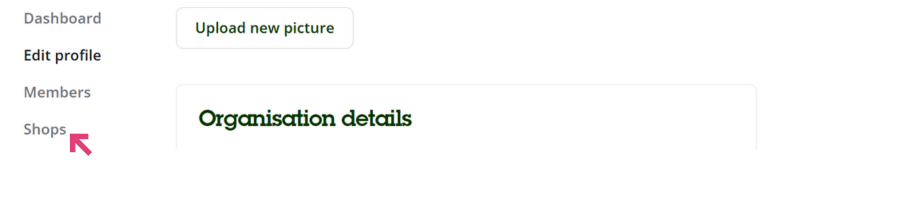
Click 'Shops' from the menu on the left-hand side
You will see a list of all the shops currently linked to your organisation.

To add a new shop
Click the 'Add a shop' button at the top of the page and complete the shop details. Remember to click 'Save' at the bottom of the page when you have finished.

To edit or delete a shop
Click the three dots to the right of the relevant shop listing. From here, you can update the shop details or delete the listing. Be sure to click 'Save' to apply any changes.
Changes to shop listings are not applied instantly. All updates are reviewed and processed manually by the CRA team to ensure accuracy, so there may be a short delay before your changes appear on the website.